Originally published on Medium.

Introduction
Are you desperate to not pay a trillion dollar company for cloud compute? While it requires a bit more work, the satisfaction of outwitting a Pandas MemoryError and saving $0.43 of AWS compute is worth it.
How can this be done? Simple: process your data with Dask, and use batches when training a machine learning model.
Dask is like a typical programmer: lazy. Which means it waits until the very last minute to study for it’s algorithms final…er…um or something like that. And although it’s really meant to spread a very large task out on rows and rows of repurposed bitcoin mining rigs, Dask can also be scaled down to the size of a potato aka a Google Colab instance.
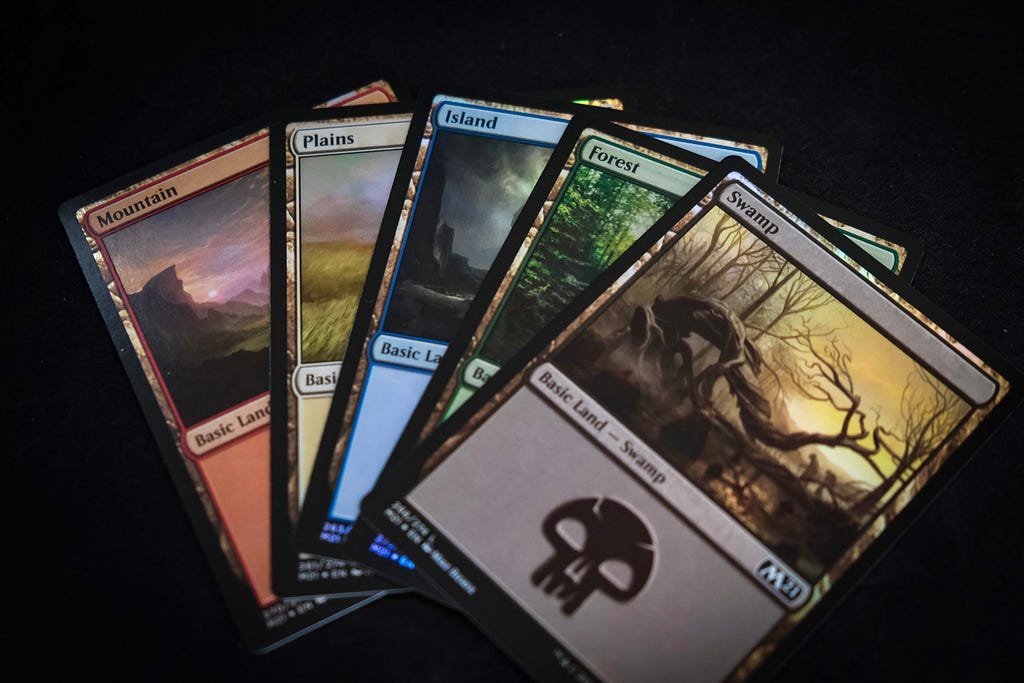
Okay, with all that out of the way. I am actually going to walk you through a “useful” project. Being the jumbo nerd I am, I grew up slinging cardboard squares on kitchen tables playing the money sink known as Magic: The Gathering. Starting in 2021, 17Lands began tracking and publishing game data of my favorite format: booster draft. Rather than bore you with details, you can read up on how this process works here. The gist of it is that you build a deck by picking out of a semi-random pool of cards and I’m trying to model the best card to pick.
The Meat and Potato
I quickly realized when working with this dataset that there’s enough draft data to make a Pandas DataFrame do it’s best Ben Simmons impression and refuse to work.
For the most part, Dask behaves in the same way as pandas with a few quirks
import dask.dataframe as dd


cols_to_use = [“pool_A Tale for the Ages”,
               “pool_Agatha of the Vile Cauldron”,
                           …
               “pool_Yenna, Redtooth Regent”,
              ]
#or import column names from text file

cols_to_use_dict = {column: ‘uint8’ for column in cols_to_use}

df = dd.read_csv(“/content/drive/MyDrive/MTG/Data/WOE_clean.csv”,
  usecols=cols_to_use, dtype=cols_to_use_dict)
Dask also comes bundled with common scikit learn functionality like an easy train_test_split, and scalers.
from dask_ml.model_selection import train_test_split
train_df, test_df = train_test_split(df, test_size=0.1, shuffle=False, random_state=7)
from dask_ml.preprocessing import MinMaxScaler
scaler_dict = {}

for col in cols_to_normalize:
  scaler = MinMaxScaler()
  scaler.fit(train_df[[col]].values)
  train_df[col] = scaler.transform(train_df[col].values).astype(“float16”)
  test_df[col] = scaler.transform(test_df[col].values).astype(“float16”)
  scaler_dict[col+“_scaler”] = scaler

#Can be loaded at inference time, to scale inputs
with open(“/content/drive/MyDrive/MTG/WOEscalers.pkl”, “wb”) as filename:
    pickle.dump(scaler, filename)
For the life of me, I could not figure out how to make Client work in Colab (something to do with how Colab’s environment permissions are set up) despite reading through what felt like every stackoverflow thread that exists and even tinkering with Dask’s configuration. Helpfully, the Dask client spit out so many error messages my browser ran out of memory and crashed.
#don’t do this
from dask.distributed import Client
client = Client(processes=False)
So I’d recommend skipping this step on Colab. Because of this, a lot of the built-in support for ML models (XGBoost, Pytorch, etc) do not work out of the box. I kept running out of memory. Changing the chunk size didn’t work. Nothing worked. Until I tried a batched approach to building a Keras model.
To be completely honest, I don’t exactly remember where I found the following DaskGenerator code (I have tried to reverse google search without luck to try and credit). But hey it works. Note: calling compute un-lazifies the Dask dataframe/array.
from keras.utils import Sequence

X_train = train_df.drop(columns=[‘event_match_wins’, ‘event_match_losses’,]).values
y_train = train_df[‘event_match_wins’].values
X_test = test_df.drop(columns=[‘event_match_wins’, ‘event_match_losses’,]).values
y_test = test_df[‘event_match_wins’].values

class DaskGenerator(Sequence):
    def init(self, samples, classes):
        '''Initialize a generator of samples and classes for training'''
        self.sample_batches = samples.to_delayed()
        self.class_batches = classes.to_delayed()

        assert len(self.sample_batches) == len(self.class_batches), ‘lengths of samples and classes do not match’
        assert self.sample_batches.shape[1] == 1, ‘all columns should be in each chunk’

    def len(self):
        '''Total number of batches, equivalent to Dask chunks in 0th dimension'''
        return len(self.sample_batches)

    def getitem(self, idx):
        '''Extract and compute a single batch returned as (X, y)'''
        return self.sample_batches[idx,0].compute(),  self.class_batches[idx].compute()

train_gen = DaskGenerator(X_train, y_train)
test_gen = DaskGenerator(X_test, y_test)
Conclusion
Working with data in-memory has its advantages: it’s easier to use and generally faster than the method outlined in this article. But sometimes all you have is a laptop and a severe lack of remaining AWS credits. I hope this article at least saved you from the major headache I had trying to do this.